From Excel Power User to SaaS Founder | Coding Capybaras
How a non-developer went from living in spreadsheets to shipping a SaaS with AI coding tools — the real learning curve, the mindset shifts, and what mattered.
· Justin Boggs
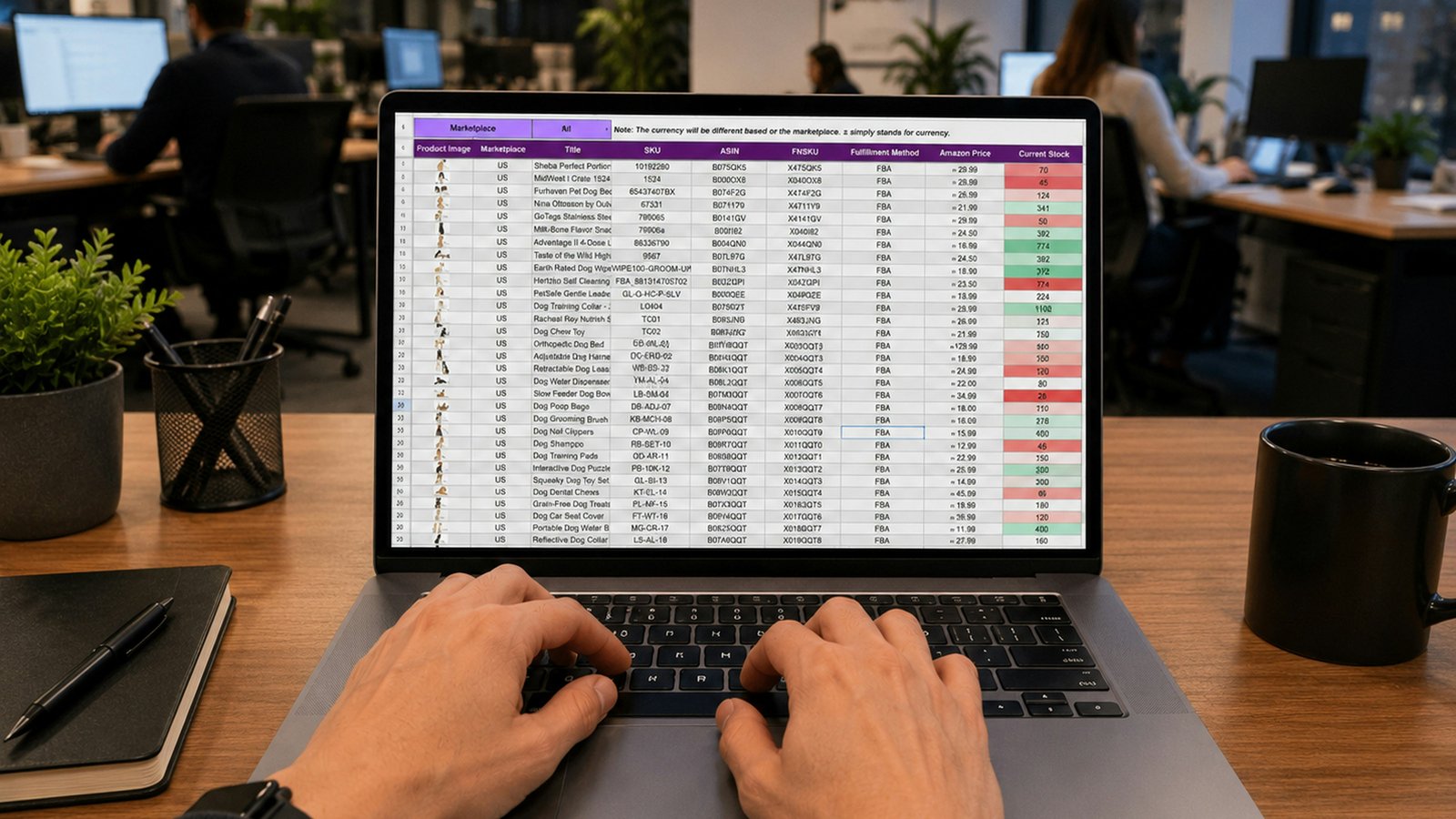
Photo by Gorilla ROI Data Connector on Unsplash
Going from Excel power user to SaaS founder is less about learning to code and more about swapping one mental model for another. As a spreadsheet person, you already think in structured data, formulas, edge cases, and "what happens when this input is blank." That instinct transfers directly to software. What doesn't transfer is the muscle for working in a system you can't see all at once — a codebase instead of a grid. The AI-coding learning curve for a non-developer isn't a wall of syntax. It's the slow rewiring of how you hold a problem in your head, and it happened for me faster than I expected and slower than I wanted.
TL;DR
- If you're a spreadsheet power user, you already have the two skills that matter most: structured thinking and paranoia about edge cases. Those transfer straight to building software.
- The learning curve isn't syntax — AI writes the syntax. It's learning to hold a system you can't see all at once, and learning to be specific about what you want.
- AI-generated code is now a serious share of real production software — 20–30% inside Microsoft, per Satya Nadella — so a non-coder shipping real software isn't a novelty anymore.
- The Excel-to-founder path has real traps: trusting output too fast, building before specifying, and mistaking "it runs" for "it's right."
- What moved the needle for me was treating the AI like a fast junior engineer I had to manage, not a genie I could trust.
The two things Excel already taught me
Before Coding Capybaras, I never wrote software. I built businesses. And the tool I lived in — the place where I actually thought — was a spreadsheet. Big, ugly, load-bearing spreadsheets that ran real operations: inventory, margins, forecasting, commissions. If you've ever built a workbook that other people depend on, you already know the feeling of quietly holding a system together in your head.
Two habits from that life turned out to matter more than any programming concept.
The first is structured thinking. A spreadsheet forces you to decompose a messy real-world process into columns, rows, and relationships. What's the unit of a row? What depends on what? Where does this number come from, and where does it go? That's the exact skill software design demands. A database table is a spreadsheet with rules. A function is a formula with a name. When an AI assistant asked me — implicitly, through what it needed from me — to define the shape of my data, I wasn't starting from zero. I'd been doing that for a decade.
The second is edge-case paranoia. Every Excel power user has been burned by a formula that worked until someone typed text into a number field, or left a cell blank, or pasted in a trailing space. You learn to ask "what breaks this?" reflexively. That instinct is worth more in software than most junior developers realize, because software is mostly edge cases. What happens on an empty form? A duplicate submission? A user who hits the back button mid-payment? I didn't know the code, but I knew the questions — and the questions are the part AI can't reliably generate for you.
I'm not saying spreadsheets are the same as software. They're not. But the distance between them is a lot shorter than the distance between "never thought structurally about a process" and "spreadsheet power user." If you've crossed that first gap, you've done the harder part. I wrote more about the emotional side of this transition in the Coding Capybaras origin story, but the practical version is simpler: your spreadsheet brain is a real asset. Don't discount it.
What the AI actually removed — and what it didn't
The story people tell about AI coding is that it removes the need to learn to code. That's half right, and the wrong half is the dangerous one.
Here's what it genuinely removed: syntax, boilerplate, and the tyranny of the blank file. I never had to memorize how a for loop is written in JavaScript versus Python, or the exact incantation to connect to a database. When I needed a feature, I described it in plain English and got working code back. That's not a small thing. For a non-developer, the blank editor used to be an unclimbable cliff. AI turned it into a conversation.
And this isn't a fringe workflow anymore. AI now writes a meaningful fraction of real, shipped software. Microsoft CEO Satya Nadella said in April 2025 that 20–30% of the code in Microsoft's repositories is now AI-generated. Developers have adopted these tools at scale, too — the 2025 Stack Overflow Developer Survey found 84% of developers are using or planning to use AI tools. So a non-coder building on AI output isn't doing something exotic. You're doing a slightly more extreme version of what professional engineers now do every day.
But here's what AI did not remove: the need to understand what you're building. This is where a lot of non-tech founders get a nasty surprise. The AI writes the code, but you still own it. You have to decide what's right, catch what's wrong, and hold the shape of the whole system when the AI can only see the piece in front of it. Learning to do that — not learning syntax — was the actual curve.
The table below is roughly how my thinking had to shift. The left column is the spreadsheet mindset I brought in. The right is what building software actually required.
| Situation | Excel power-user instinct | What building software required | | --- | --- | --- | | Something's wrong | Scan the sheet, find the bad cell | Reproduce it, isolate where it happens, then fix | | Making a change | Edit in place, see the result instantly | Change code, run it, check it didn't break something else | | Trusting a result | "The formula bar shows the logic" | "It runs" is not "it's correct" — verify against intent | | Scope of the work | One workbook I can see top to bottom | A system too big to hold in view at once | | Reusing logic | Copy the formula down the column | Factor it into one place so it's not duplicated |
None of these shifts required a computer science degree. They required accepting that software is a different medium than a grid, and being willing to feel dumb for a few weeks while my instincts recalibrated.
The mindset shift that actually mattered
If I had to name the single change that unlocked the rest, it's this: I stopped treating the AI like a search engine and started treating it like a fast, tireless junior engineer I had to manage.
A search engine gives you an answer and you trust it or you don't. A junior engineer gives you work, and your job is to direct it, review it, and catch its mistakes before they ship. That reframe changed everything about how I worked. I stopped asking "what's the answer?" and started asking "did this do what I actually meant, and how would I know?"
Management is the right word. The most useful thing an AI assistant does — and I've seen this echoed by other founders building this way — is force you to be specific. Vague in, vague out. When I asked for "a login system," I got something generic that didn't fit my app. When I wrote three paragraphs describing exactly what I wanted — the fields, the flow, what happens on failure, where the user lands — I got something I could actually use. The spec is the work. The code is almost a byproduct.
That's also why the edge-case paranoia from Excel paid off. My best prompts weren't the ones where I described the happy path. They were the ones where I listed everything that could go wrong and asked the AI to handle it. I couldn't write the defensive code, but I could name every failure mode, because naming failure modes is what spreadsheet people do for a living.
The flip side is knowing when to slow down. AI is confident even when it's wrong, and confidence is contagious. Early on I'd accept whatever it produced because it looked authoritative and it ran. Learning to pump the brakes — to ask "wait, why did it do it this way?" — was its own skill. I wrote a whole piece on when to trust your AI assistant and when to slow down, because getting that judgment calibrated is most of the game for a non-technical builder.
flowchart LR
  A[Excel power user] --> B[AI writes the syntax]
  B --> C[I learn to specify]
  C --> D[I learn to review]
  D --> E[I learn to hold the system]
  E --> F[Shipping founder]
The curve above isn't linear in practice — you loop back constantly — but the stages are real, and "learn to specify" and "learn to review" are where the weeks actually go.
The traps on the Excel-to-founder path
I hit every one of these, so consider this the map I wish I'd had.
The first trap is trusting output too fast. Everything the AI produces looks finished. It's formatted, it's confident, and it usually runs. But "it runs" is a low bar. Plenty of my early code ran perfectly and did the wrong thing — the software equivalent of a formula that returns a number that happens to be wrong. In a spreadsheet you'd catch that because you can see the value. In software the wrong behavior can hide until a real user trips over it. I learned to test against intent, not against "did it error."
The second trap is building before specifying. My instinct as an operator was to move fast — describe a vague idea and let the AI run. That produces motion, not progress. The fix was boring and it worked: write the spec first, in plain English, before asking for a single line of code. Three paragraphs of "here's exactly what this should do" saved me days of untangling code that solved the wrong problem.
The third trap is imposter feelings masquerading as facts. As a non-developer, every gap in my knowledge felt like proof I didn't belong. It's not. It's just a gap, and gaps close. I wrote about this at length in non-tech founder syndrome, because the imposter feeling is the thing most likely to make a capable spreadsheet person quit before they've given themselves a fair shot. The feeling doesn't fully go away. You just get better at working despite it.
The fourth trap is thinking you have to understand everything. You don't. Professional engineers don't understand every line of every dependency either. What you need is enough understanding to review the parts that matter — the money, the data, the permissions — and the judgment to know which parts those are. Your Excel instincts point you there: follow the numbers and the inputs. That's usually where the risk lives.
The last trap is going it alone in your own head. Spreadsheet work is often solitary, and building solo amplifies that. Reading how others made the same transition, and being honest with yourself about what's hard, is not a detour. It's part of the work.
Frequently asked questions
Do I need to learn to code to build a SaaS as a non-developer?
Not in the traditional sense. You don't need to memorize syntax — AI writes that. But you do need to learn to read code well enough to review it, specify features precisely, and recognize when something's wrong. That's a real skill, and it's closer to editing than to writing from scratch.
Does being good at Excel actually help?
Yes, more than most people expect. Spreadsheet power users already think in structured data and edge cases, which are two of the hardest instincts to teach. A database table is a spreadsheet with rules; defensive formulas are the same reflex as defensive code. The transfer is real.
How long does the learning curve take?
For me, the first few weeks were the steepest — mostly spent learning to specify what I wanted and to stop trusting output blindly. Being productive came within weeks; feeling genuinely comfortable took months. Your pace depends on how much structured problem-solving you've already done.
What's the biggest mistake non-tech founders make with AI coding?
Trusting the output because it looks finished and it runs. "It runs" is not "it's correct." The founders who ship reliable products are the ones who verify against what they actually meant, not against whether the code threw an error.
Should I use a boilerplate or build from scratch?
A boilerplate saves you from the infrastructure work — auth, billing, email, deploys — that has nothing to do with your actual idea and everything to do with getting stuck. As a non-developer, the plumbing is exactly where you'll lose weekends, so starting from a solved foundation lets your spreadsheet brain focus on the product logic instead.
The curve is real, and it's climbable
The honest version of this story is that going from Excel to SaaS founder was hard, but not hard in the way I feared. I thought I'd be defeated by syntax and computer science. Instead I was challenged by specificity, judgment, and the discipline to verify — and those are things a spreadsheet power user is already halfway good at. The AI removed the part I couldn't do and left me the part I could learn.
If you live in spreadsheets and you've got a product idea, you're not as far from shipping as you think. The skills that made you the person everyone asks to "fix the workbook" are the same skills that make a decent non-technical builder. Coding Capybaras is the free boilerplate I built for exactly this path — it solves the infrastructure so your spreadsheet brain can spend its energy on the product, not the plumbing.